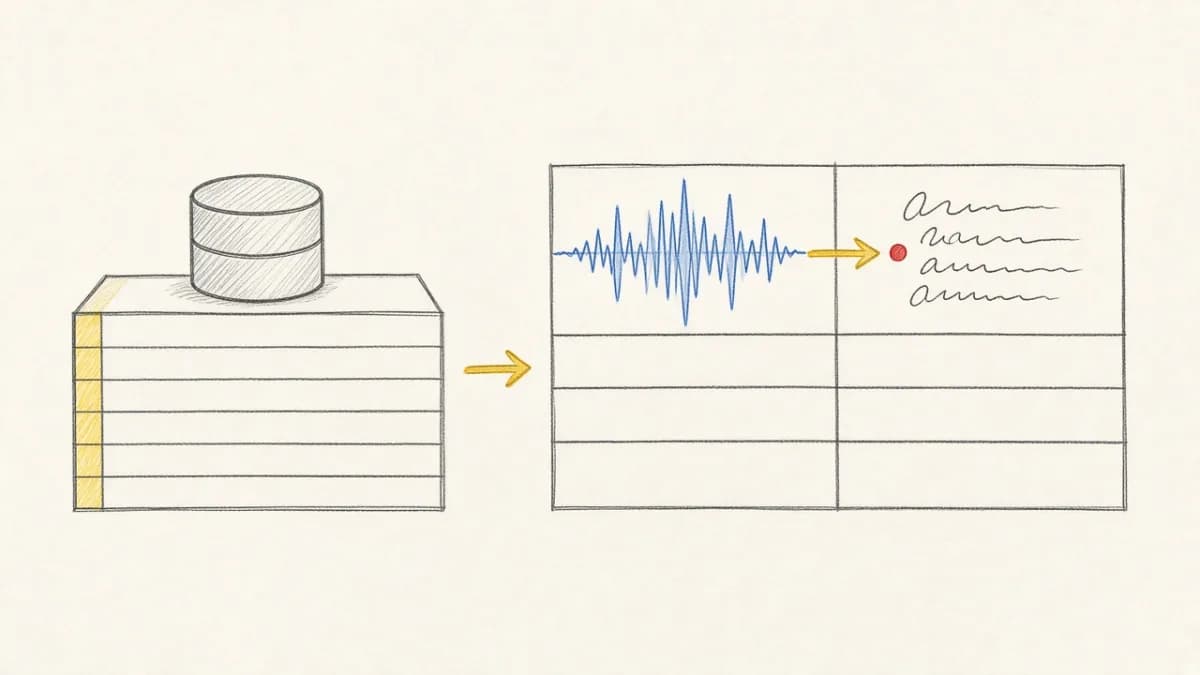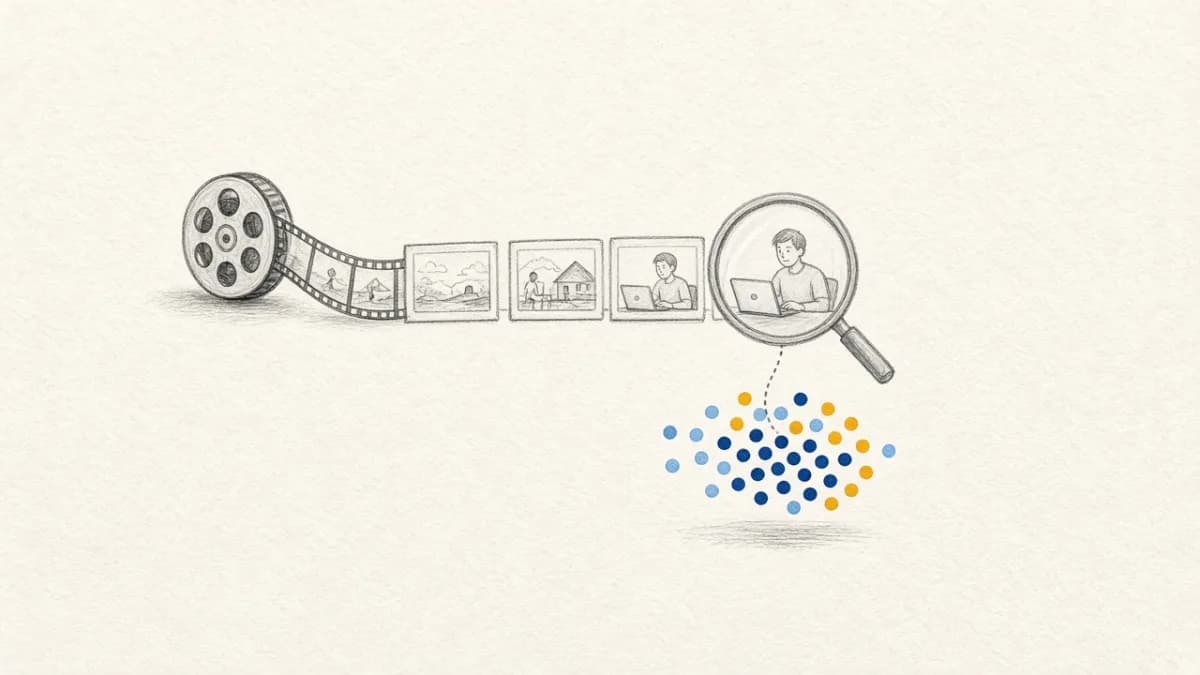
The Goal: Searching Video Content with Images and Text#
Imagine you want to find specific moments within a large video library. Not just by filename or metadata, but by the *content* of the video frames themselves. You want to ask: "Show me video clips where someone is walking on a beach" or provide an image of a specific object and ask: "Find frames containing something that looks like this." This is the power of multimodal similarity search applied to video.
But how would you build this system from scratch, without a specialized platform?
The Manual Labyrinth: Challenges of DIY Video Search#
Building this seemingly straightforward capability involves navigating a complex maze of infrastructure challenges:
- Ingestion & Versioning: How do you reliably ingest videos from diverse sources (like cloud storage) and keep track of different versions or updates?
- Frame Extraction (Chunking): Videos need to be broken down into frames. What's the right frame rate? How do you efficiently process potentially thousands of hours of video without redoing everything for minor updates?
- Storage & Caching: Where do you store potentially millions of extracted frames? Do you load them all into memory for processing? How do you implement effective caching?
- Embedding & Indexing: Each relevant frame needs to be converted into a numerical representation (embedding) using a model like CLIP. How do you generate these embeddings efficiently? How do you store them in a specialized vector index for fast similarity lookups? Crucially, how do you keep this index synchronized as videos (and their frames) are added or removed?
- Querying & Lineage: How do you build a query interface that accepts both text and images? When results are returned, how do you trace them back to the original video and timestamp (data lineage)?
- Serving & Production: How do you deploy this pipeline reliably? Where does production data live? How do you link production outputs and logs back to the specific data and model versions used, enabling feedback loops for improvement (like RAG fine-tuning)?
Tackling these requires stitching together multiple libraries, databases, and custom workflow logic – a significant engineering effort often distracting from the core AI task.
Pixeltable: The Declarative Shortcut#
Pixeltable is designed to abstract away this infrastructure complexity. It provides a declarative framework where you define what you want to compute, not how to orchestrate the underlying steps. For video similarity search, Pixeltable handles:
- Managed Ingestion: References external media files efficiently.
- Incremental Frame Extraction: Built-in iterators like
frame_iteratorautomatically process only new or updated video segments. - Implicit Storage & Caching: Manages intermediate data (like frames) automatically.
- Declarative Embedding Indexing: Creating and maintaining multimodal vector indexes (like CLIP embeddings) is a simple table operation. Indexes update automatically as data changes.
- Built-in Lineage: Automatically tracks the relationship between raw videos, extracted frames, embeddings, and query results.
- Unified Interface: Query video frames using text or images through the same index and query functions.
Building Similarity Search with Pixeltable & CLIP#
Here's how you can build the core video similarity search pipeline in just a few lines of Pixeltable code, using the CLIP model for multimodal embeddings:
Key Benefits Recap#
With Pixeltable, the complex tasks become simple declarations:
- No manual pipelines: Define tables and views, Pixeltable handles updates.
- Efficient processing: Incremental computation saves time and resources.
- Simple indexing: Add vector indexes with one line; updates are automatic.
- Effortless search: Query using natural language or images via the same index.
- Automatic lineage: Trace results back to source data easily.
Foundation for Advanced AI#
This similarity search capability is not just an endpoint; it's a fundamental building block for more sophisticated Multimodal AI applications. The embeddings and indexed frames managed by Pixeltable can readily feed into Retrieval-Augmented Generation (RAG) systems, visual question answering models, automated tagging workflows, and more, all while benefiting from the same data management and lineage tracking features.
Conclusion#
Building multimodal similarity search, especially over video, involves significant infrastructure hurdles when done manually. Pixeltable offers a declarative, efficient alternative, abstracting away the complexities of data ingestion, processing, indexing, and lineage. This allows ML teams to focus on building powerful AI applications rather than wrestling with underlying infrastructure.
The class-based TableModel receipt for text → moment is ClipFinder.
Ready to simplify your multimodal workflows?