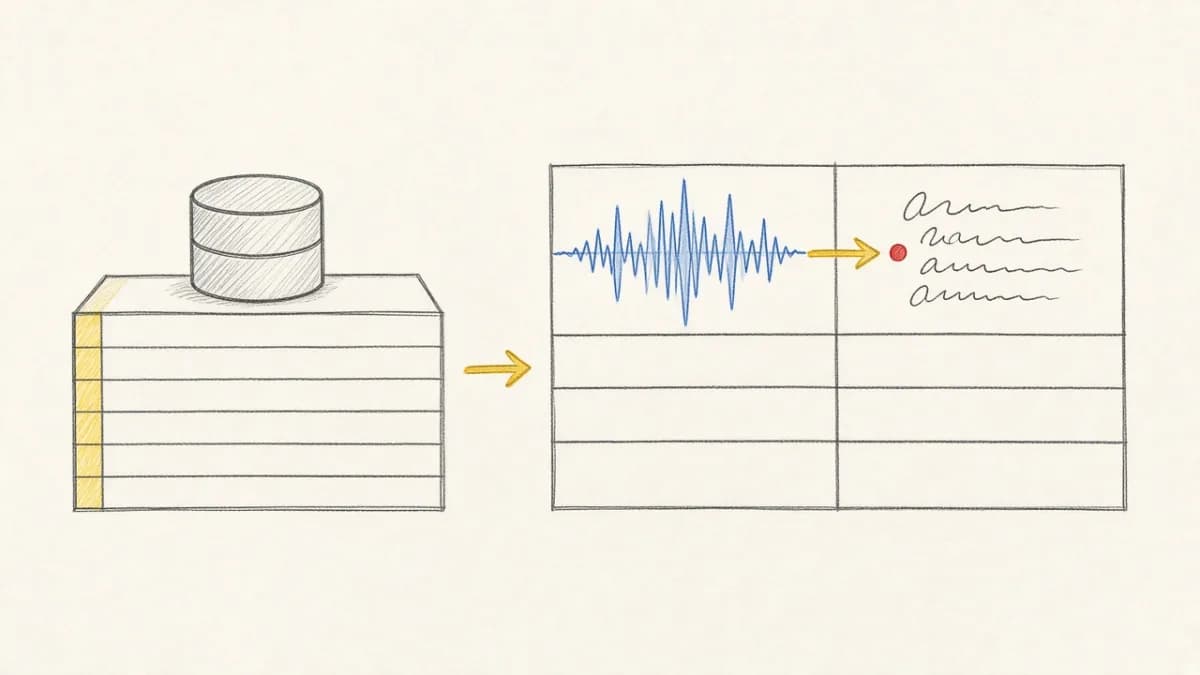
Pixeltable 0.6.5 adds native vLLM integration. Run HuggingFace models at high throughput inside computed columns—with the same declarative pipeline, versioning, and per-row error handling as cloud provider calls.
Why vLLM in a Pixeltable pipeline?#
Pixeltable already supports local inference through Ollama (easy model pulls, great for development) and llama.cpp (quantized models on modest hardware). vLLM targets a different constraint: throughput on GPUs.
vLLM's serving engine batches requests, manages KV cache efficiently, and scales across GPUs with tensor parallelism. When you need to classify thousands of documents, summarize a large backlog, or run batch evaluation—not chat with a single prompt interactively—vLLM is often the right local choice.
Combined with Pixeltable's declarative infrastructure, you get:
- Incremental computation — only new or changed rows hit the model
- Per-row error containment — one bad input does not fail the batch
- Version history — compare outputs across model or prompt changes
- No glue code — inference sits in a computed column next to embeddings and retrieval
When to use vLLM vs Ollama vs cloud APIs#
| Option | Best for | Tradeoff |
|---|---|---|
| Ollama | Local dev, quick experiments, modest hardware | Lower throughput at scale |
| llama.cpp | Quantized models, CPU or Apple Silicon | Manual model management |
| vLLM | GPU clusters, batch inference, HF model catalog | Requires GPU + pip install vllm |
| Cloud APIs | Zero ops, latest frontier models | Cost, latency, data residency |
For hybrid strategies—cloud for quality, local for volume—see our multi-provider comparison guide.
Getting started#
vLLM loads models from HuggingFace and caches them for reuse across computed-column evaluations on the same model.
Chat completions#
chat_completions() accepts OpenAI-style message lists—ideal when your table stores conversation history or prompt templates:
Pass engine_args for vLLM constructor options—dtype, max_model_len, gpu_memory_utilization, tensor_parallel_size—and sampling_params for temperature, top-p, and max tokens. See the vLLM SDK reference for the full parameter list.
Text generation#
For single-string prompts, use generate():
Batch pipeline example#
A typical pattern: ingest documents, chunk with an iterator, summarize each chunk with vLLM, embed for retrieval—all in one catalog:
Insert new source documents and Pixeltable runs vLLM only on new chunks—see incremental computation for why that matters at scale.
Errors, retries, and resource limits#
GPU OOM and model load failures surface as per-row computation errors—the same pattern as cloud provider 429s documented in our rate limiting guide. Use pxt errors or the local dashboard errors-only filter to inspect failures, then adjust engine_args (smaller model, lower max_model_len, higher gpu_memory_utilization headroom) and recompute affected rows.