OpenAI Whisper API: The Gold Standard for Audio Transcription#
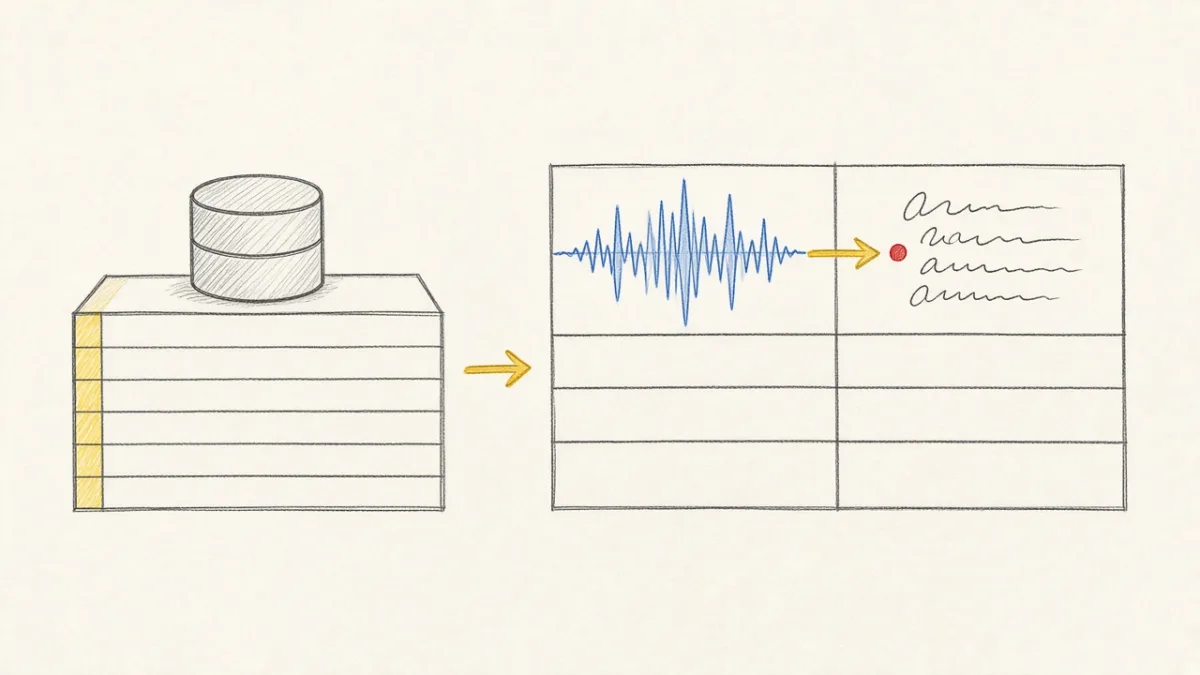
The OpenAI Whisper API has revolutionized automated speech recognition, offering state-of-the-art accuracy across multiple languages and audio conditions. However, integrating Whisper API into production workflows often involves complex orchestration, file management, and error handling. This is where Pixeltable transforms your experience with OpenAI Whisper API integration.
Whether you're building a podcast transcription service, creating meeting summaries, or processing customer support calls, Pixeltable's declarative approach makes Whisper API OpenAI integration seamless and scalable.
Why Combine Pixeltable with OpenAI Whisper API?#
Raw OpenAI Whisper API calls require significant boilerplate code for production use. Pixeltable eliminates this complexity by providing:
- Declarative Audio Processing: Define your transcription pipeline once, let Pixeltable handle execution
- Automatic File Management: No more manual audio file uploads and downloads
- Built-in Error Handling: Robust retry logic and failure recovery
- Incremental Processing: Only transcribe new or changed audio files
- Persistent Results: All transcriptions are automatically stored and versioned
Getting Started with OpenAI Whisper API in Pixeltable#
Setting up OpenAI Whisper API transcription with Pixeltable is straightforward. First, ensure you have your OpenAI API key configured:
Basic Audio Transcription Pipeline#
Here's how to create a simple yet powerful Whisper API OpenAI transcription pipeline:
Advanced OpenAI Whisper API Features#
Segmentation and Per-Segment Analysis#
For more detailed processing, split each file into timed segments, transcribe each one, and analyze each segment's text. This tells you what each part of a recording covers and when; it does not tell you who is speaking, which takes a diarization model that reads the audio:
Batch Processing and Cost Optimization#
Pixeltable's stored results and incremental processing help optimize OpenAI Whisper API costs:
Real-World OpenAI Whisper API Applications#
Meeting Transcription Service#
Build a comprehensive meeting transcription service:
Multilingual Transcription#
Leverage OpenAI Whisper API's multilingual capabilities:
Performance and Cost Optimization#
Stored Results#
Pixeltable stores each transcript with its row, so it doesn't make redundant OpenAI Whisper API calls for audio it has already transcribed:
- Stored Transcripts: Reading a transcript, or building another column on it, never calls the API again. Two rows with the same audio are still transcribed twice.
- Incremental Updates: Only new audio files trigger API calls
- Persistent Storage: All transcriptions are permanently stored
- Version Control: Track changes in audio files and re-transcribe only when needed
Robust Error Handling#
Production-ready error handling for Whisper API OpenAI integration. By default a failed transcription makes the whole insert raise, and none of its rows are stored (on_error='abort'). Insert with on_error='ignore' to keep every row: a failed cell holds no transcript, and its errortype and errormsg say why.
Monitoring and Analytics#
Track your OpenAI Whisper API usage and performance:
Best Practices for OpenAI Whisper API Integration#
- Audio Quality: Ensure good audio quality for optimal transcription accuracy
- File Formats: Use supported formats (mp3, mp4, wav, etc.) for best results
- Batch Processing: Process multiple files efficiently with Pixeltable's declarative approach
- Cost Management: Leverage stored results and preprocessing to minimize API calls
- Error Monitoring: Implement proper error handling and monitoring
Conclusion: Scalable OpenAI Whisper API Integration#
Pixeltable transforms OpenAI Whisper API integration from a complex engineering challenge into a simple, declarative workflow. By handling the infrastructure complexity, Pixeltable lets you focus on building innovative audio processing applications.
Whether you're building meeting transcription services, podcast processing pipelines, or customer support analytics, Pixeltable provides the robust foundation you need for production-scale OpenAI Whisper API integration.
Resources and Next Steps#
The class-based sales-call auditor on top of this transcript column is CallSense.