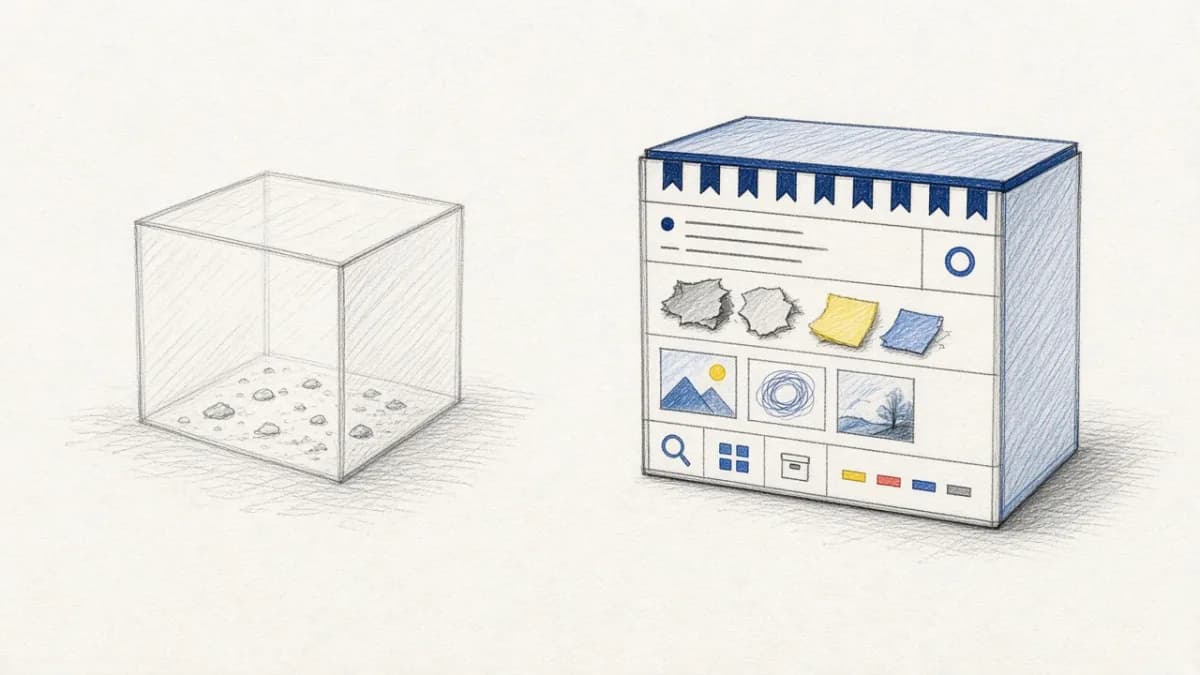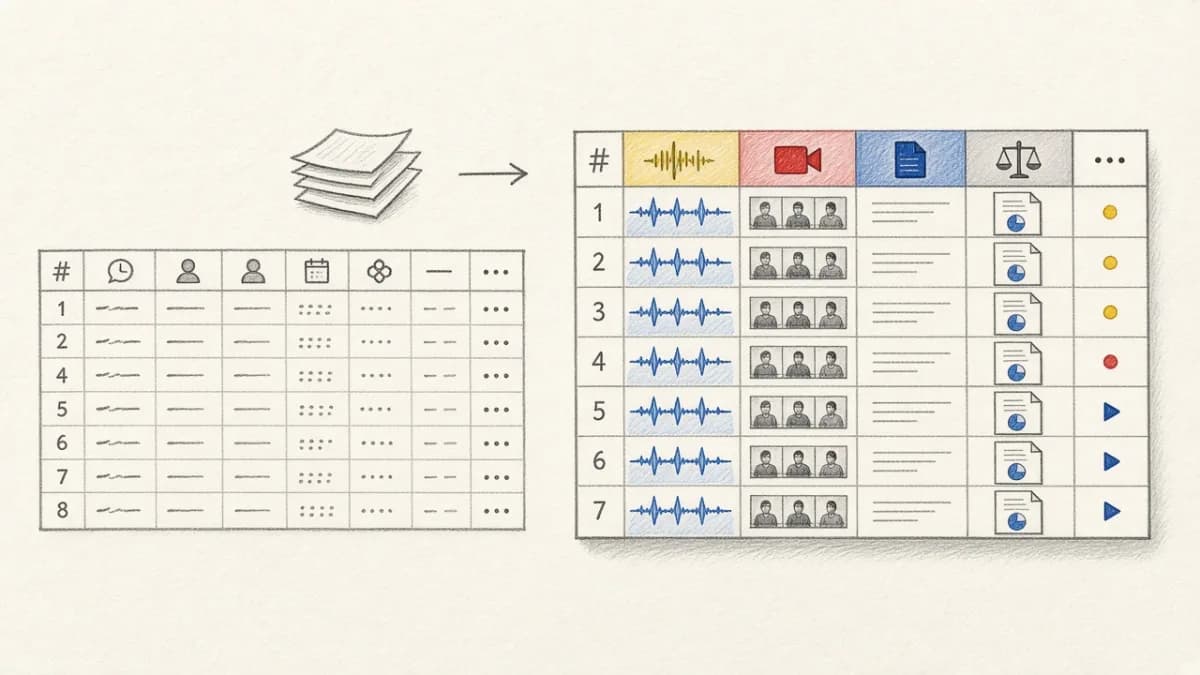
Summary: If you were building a proactive AI teammate, the data layer is four tables in one Pixeltable catalog: conversation turns, a searchable copy of inbox and calendar documents, curated memory, and versioned drafts with image, audio, video, and document columns. That is the difference from a SQLite database per session. The teammate reads all four from one catalog, searches the copy instead of calling Gmail on every turn, and re-runs only the columns that a changed prompt, model, or rule actually touches. I ran the schema below on Pixeltable 0.7.24 from PyPI, with a local MiniLM embedding index and no model API key.
The four stores come from Turso's post on Sauna, a work AI teammate. This post maps those stores onto Pixeltable tables. Where Does the Agent Live? makes the companion argument: the agent lives in durable state, not in the sandbox that runs it.
Sauna splits context across four stores#
Sauna is a proactive work AI teammate. It reads Slack, Gmail, calendar, and Granola, and it is built around compounding context. Each repetition adds more of what the team already knows. The numbers and the four-store split below are from the Turso post.
Every session and agent a user starts gets its own Turso database. So does every inbox and calendar they connect. Sauna created over 2 million Turso databases, about 90,000 a day. The architecture has four pieces. Two run on Turso. The Sauna team built the other two in-house:
- Conversations. A Turso database per session, holding that chat history.
- Synced connections. A Turso database per inbox or calendar, kept in sync, so the teammate searches a local copy instead of calling Gmail on every turn.
- Memory system. A two-tier system, in-house, that curates relationships and information about you and the company, and pulls earlier conversations back when a topic returns.
- File system. A custom, versioned, searchable store for the drafts, documents, and proposals the agent works on, also in-house.
Isolation is a security boundary. Sharing an inbox with the assistant means sharing that one database, not relying on row filters to keep the rest private. Matthias Pichler, Founding Engineer at Wordware, puts the boundary this way in that post: "a lot easier to reason about and a lot harder to break."
Sauna ran SQLite from the start. The path in the Turso post is Cloudflare Durable Objects SQLite, then Containers plus Litestream, then Turso after May 2026, when Turso removed the per-database active limit on paid plans.
Map those four stores onto one catalog#
Pixeltable is a multimodal backend, not a vector database. The same four concerns become tables in one catalog:
| Sauna store | In Pixeltable |
|---|---|
| Conversation / session history | A turns table keyed by session_id |
| Synced inbox or calendar | An inbox table you search, so you are not calling the provider on every turn |
| Curated memory | A memories table you write on purpose |
| Versioned drafts and media | A drafts table with a revision column and pxt.Image, pxt.Audio, pxt.Video, pxt.Document |
That is the same catalog boundary as Where Does the Agent Live?. Session log, memory, media, and versions sit in one catalog, each table with its own version history, instead of in five systems. The session log as system of record is Agents as Data. Queryable state versus a dashboard that only replays traces is data plane, not dashboard.
Four tables in one app.py#
Python 3.11 or later. I used 3.12.3. The embedding index in this post runs MiniLM on the machine, so install sentence-transformers as well. You need no API key.
pxt init marks the project root and writes pixeltable.toml. pxt schema update creates the tables. Pass -f in a script. I ran Pixeltable 0.7.24 and sentence-transformers 6.2.0. The shape is the quickstart.
A line with a colon is a column you insert. A line with = is a computed column. first_words is a stand-in for a summarizer or a model. Pixeltable records the function by its module path and fills the column on insert. I ran this UDF. I did not call an LLM.
pxt schema update loaded app.py in its own process. Inserts from Python need a bind first:
Conversation history is rows#
One row is one turn. Isolation is tenant_id and session_id, not a file per chat. That is an agent session log.
Alice's filter does not return Bob's calendar question.
Search the copy, not the provider#
Sauna's synced connections exist so the teammate can search mail and events without calling the provider for every lookup. In Pixeltable that copy is rows. I inserted three documents, two for Alice and one for Bob. I did not call Gmail.
Hugging Face warned that the request was unauthenticated. The insert still finished. The MiniLM weights were already on disk for this run. A first run downloads them if they are not cached. pxt idxs teammate/inbox shows the index on body:
The Gmail copy ranked above the calendar copy for that query. The filter kept Bob's lunch mail out. An embedding index updates on insert. How computed columns and indexes follow the column is in How it works.
Memory is a row you write on purpose#
Conversation history is everything that happened. Memory is the curated subset you want back later: how Alice likes replies written, who owns the budget, which client thread is current. Sauna built that tier in-house. In Pixeltable it is another table in the same catalog.
A Pydantic AI agent can keep notes in a Pixeltable table the same way: Give a Pydantic AI agent memory and read access to your tables. I did not run that integration here.
Drafts keep revisions and media columns#
Sauna's file system is versioned and searchable, and it is where drafts live. In Pixeltable a draft is a row in a versioned table. Media is a typed column, not a path you copy into object storage by hand. I generated a 64x48 PNG, a one-second sine wav, a one-second gray clip, and a short text file, then inserted them on revision 1. To follow along, put any image, wav, mp4, and text file at these paths.
pxt describe teammate/drafts printed the media columns as Image | None, Audio | None, Video | None, and Document | None. Collecting the row returned a 64x48 RGB PNG, and file paths for the wav, the mp4, and the text document. A Markdown file failed until I installed mistune, so I used .txt, which Pixeltable already accepts.
Revision 2 is another row, not an overwrite:
The catalog also versions the table. After the second insert, pxt history teammate/drafts showed schema version 0, then one insert, then another:
Isolation is a filter, not a file per chat#
Sauna treats a database as the thing you share or withhold. That is a real advantage when the security story is "this inbox is this file." Pixeltable does not give you one SQLite file per conversation. Isolation is tenant and session scoping: tenant_id, session_id, and the authorization in your server. A runtime key to Pixeltable Cloud does not know Alice from Bob. Authentication and Multi-Tenancy for Pixeltable Apps is the post for that boundary. The tenant_id column records ownership. Your query has to filter on the verified id. That is not row-level security inside the engine.
If the product requirement is a physical database per tenant, and you want that to be the thing you hand to an agent, Turso is built for it. If the product requirement is one versioned catalog for every store, with indexes and recompute, a file per chat is the wrong unit.
A changed rule touches only the column that depends on it#
Change a prompt, a model, or a rule, and only the column that depends on it changes. I changed the Inbox excerpt from 12 words to 4, for every tenant:
pxt schema update then printed that teammate/inbox.excerpt changed and that stored values were not recomputed. The Gmail excerpt was still the 12-word cut. New rows would get 4 words. Existing rows wait for pxt recompute:
After that, Alice's Gmail excerpt was Please send the Q4... and the calendar excerpt was Tuesday 10:00 in the.... Turns, memories, and drafts were not touched. How it works documents that loop. An insert computes new rows, a changed expression applies to new rows, and pxt recompute redoes the existing ones. Swap first_words for a model column and the commands stay the same. I did not run a model column.
Guarded transitions over work in a table are How to build an agent state machine in Pixeltable. Scoring spans as they arrive is Build your own agent trace lake with Pixeltable.
When one SQLite per session is the right tool#
Use Turso when you want tiny isolated SQL documents, sub-millisecond embedded replicas, a database per tenant, an edge runtime, and no multimodal pipeline. That choice, without recapping its feature tables, is Pixeltable vs Turso.
If you don't want a schema, Pixeltable is the wrong tool. If the app needs DATABASE_URL, SQL, branching, or row-level security, and insert should not run a model, that host list is Best serverless Postgres databases for AI apps.
Try it#
Put the four classes in app.py, run pxt schema update app.py teammate -f, and insert a turn. Hosted setup is the Cloud docs. pxt new makes a free hosted database with no account and prints its organization. Put that organization in place of ORG to create the same tables there. I did not run the hosted step.
See also#
- Where Does the Agent Live?
- Agents as Data
- Your agent needs a data plane, not a dashboard
- Build your own agent trace lake with Pixeltable
- How to build an agent state machine in Pixeltable
- Give a Pydantic AI agent memory and read access to your tables
- Best serverless Postgres databases for AI apps
- Authentication and Multi-Tenancy for Pixeltable Apps
- Pixeltable vs Turso