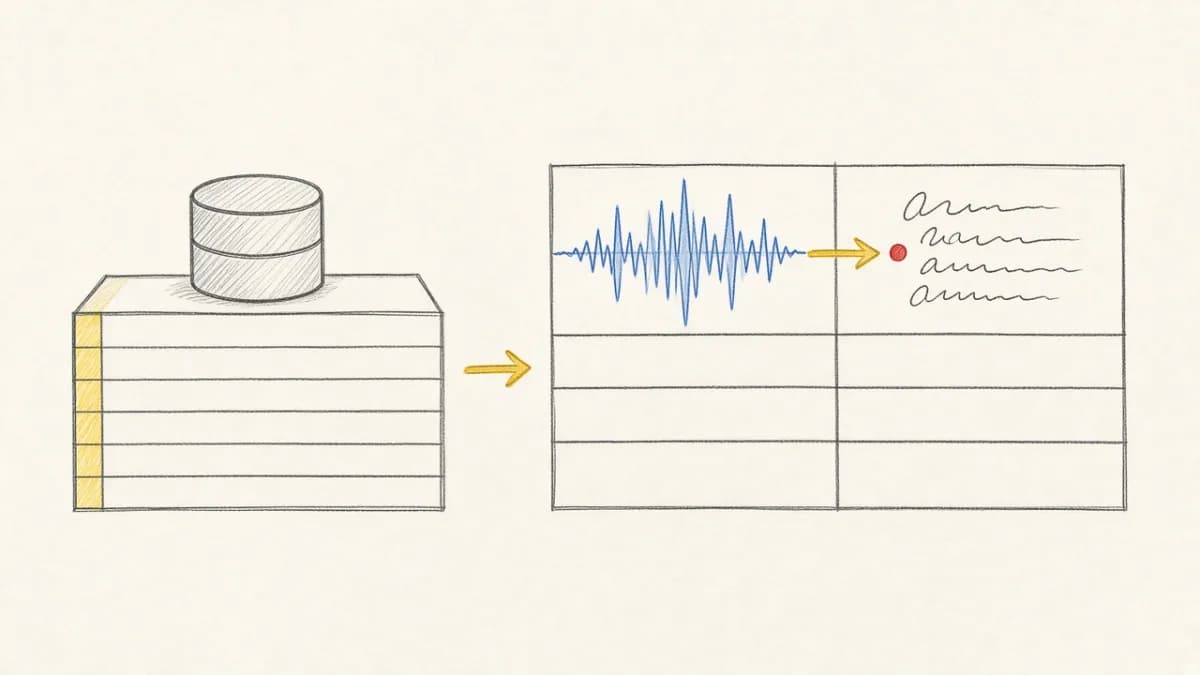
Summary: Pixeltable columns are typed. There is no first-class “string or list of strings” union type. Use untyped pxt.Json when values may be either a string or a list, or typed pxt.Json[[str]] when every row is a uniform list of strings (and you may explode with list_iterator). Normalize inbound messiness with a small UDF, then use list_iterator when you need one row per element.
The Question#
Teams often ask: Can I have a column that stores either a string or a list of strings? Labels, tags, categories, and LLM outputs all arrive inconsistently—sometimes "cat", sometimes ["cat", "dog"].
Two Types, Two Jobs#
| Type | Use when | Tradeoff |
|---|---|---|
pxt.String | Always a single string | Cannot store lists |
pxt.Json[[str]] | Always a list of strings; plan to explode with list_iterator | Must wrap singles as ["x"] |
pxt.Json | Shape varies (string, list, object) | Less schema rigidity; normalize for indexing / iterators |
pxt.Array[pxt.String] | Uniform string arrays when you will not use list_iterator | list_iterator requires typed Json, not Array |
Prefer Typed Json[[str]] When You Control Ingest#
Reserve pxt.Array[...] for numeric / embedding tensors. For tags and string lists you intend to explode, use pxt.Json[[str]].
Use Json When Inputs Are Messy#
Normalize to Always-a-List#
Store the messy field in untyped Json. A UDF annotated -> list[str] infers a typed Json[(String, ...)] computed column—ready for queries and list_iterator (not Array[String]).
Explode Lists with list_iterator#
Need one row per tag for filters, joins, or aggregations? Use list_iterator (also covered in the April 2026 release notes). For lists of scalars (strings, ints), pass the column as a keyword argument—the kwarg name becomes the output column. Positional mode is for a top-level typed list[dict] column only. list_iterator requires typed Json inputs—not Array and not untyped Json.
You can also explode the normalized computed column from the messy table: list_iterator(tag=raw.tags) once raw.tags is typed Json[(String, ...)].
For object-detection-style outputs (a Json object with parallel list fields), use keyword mode to zip those fields—not a single positional call on the object:
Use positional mode only when the column itself is typed as a top-level list of dicts, e.g. pxt.Json[[{'a': pxt.Int, 'b': pxt.String}]] → list_iterator(t.items).
LLM Outputs and Embeddings#
Chat/completion APIs often return nested JSON. Keep the raw response in pxt.Json, then project strings you need for embedding indexes—indexes want string (or image) columns, not arbitrary JSON blobs. See structuring unstructured JSON LLM outputs.
Decision Guide#
- Controlled API / app writes (and may explode later):
Json[[str]], always send a list. - Human CSV / partner feeds / LLM blobs: untyped
Json+ normalize UDF → typed list Json. - Analytics per element: normalize, then
list_iterator(tag=...)view. - Semantic search on tags: join tags into a string column, or embed each exploded row.
- Numeric / embedding tensors:
pxt.Array[...]—not for tag lists you will explode.
FAQ#
Is there a String | list[String] column type?#
No. Model it with untyped Json, or normalize to Json[[str]] / Json[(String, ...)].
How do I represent “no tags”?#
Use an empty list [], not null, for typed list columns—unless you explicitly allow nullable columns.
What about list of objects?#
Use pxt.Json (or typed JSON schemas / Pydantic models). See Pydantic integration.