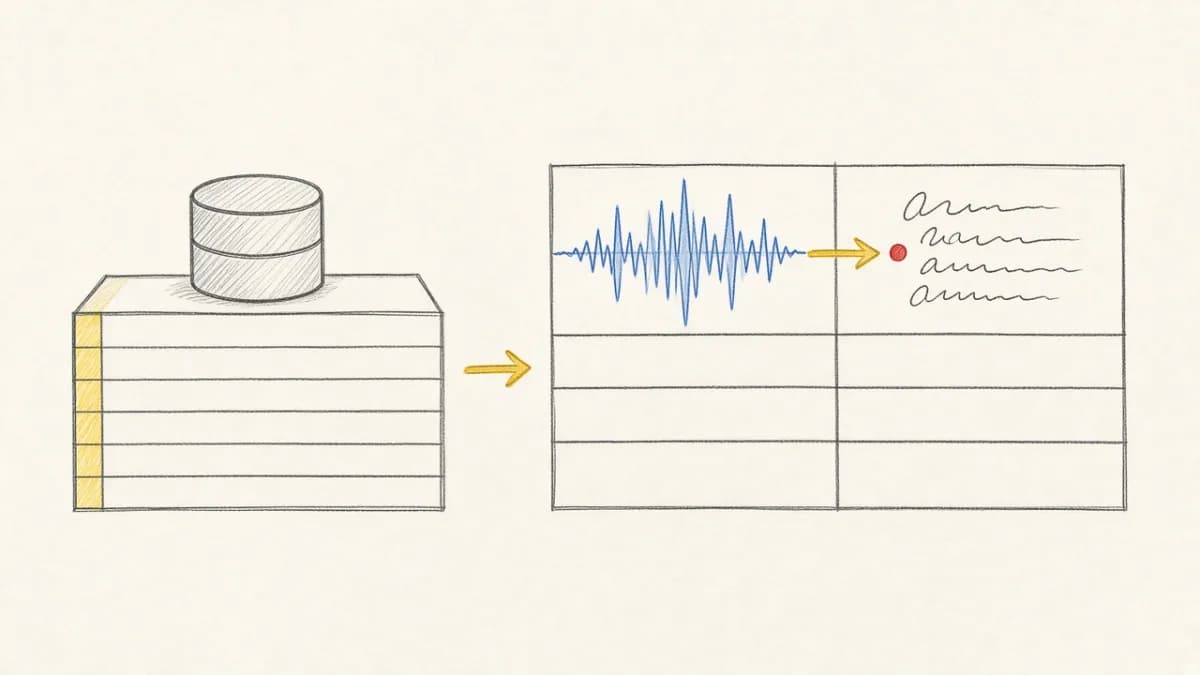
Summary: Pixeltable stores its embedded Postgres catalog, generated media, and caches under PIXELTABLE_HOME (default ~/.pixeltable). In Docker, that directory must live on a persistent volume. If you docker run without a mount, data lives only in the container filesystem and is lost when the container is removed—or when you run docker compose down -v. This guide shows the correct env + volume pattern used by the Starter Kit.
Why Your Data Disappears in Docker#
Pixeltable is not “stateless app + external Postgres.” The library is the RDBMS: an embedded PostgreSQL instance under $PIXELTABLE_HOME/pgdata, plus:
media/— generated/transformed files (see storage architecture)file_cache/— LRU cache for remote URL downloadstmp/— ephemeral query-time mediaconfig.toml— local configuration
Containers throw away their writable layer when recreated. Without a volume at PIXELTABLE_HOME, removing the container (or wiping named volumes) deletes the catalog. A plain docker restart keeps the writable layer—so missing mounts, not restarts alone, are the usual cause of “empty” catalogs.
The Env Vars That Matter#
| Variable | Default | Meaning |
|---|---|---|
PIXELTABLE_HOME | ~/.pixeltable | Root user directory |
PIXELTABLE_CONFIG | $PIXELTABLE_HOME/config.toml | Config file path |
PIXELTABLE_PGDATA | $PIXELTABLE_HOME/pgdata | Embedded Postgres data |
Production and Compose setups usually set PIXELTABLE_HOME=/data/pixeltable and mount a named volume there. Docs: configuration · infrastructure.
Docker Compose (recommended)#
Pattern from the Starter Kit docker-compose.yml:
The uploads volume holds raw files the Starter Kit app stores at /app/data; Pixeltable rows may reference those paths. For production, set PIXELTABLE_INPUT_MEDIA_DEST so Pixeltable owns media and you can drop a separate uploads volume. Do not delete uploads without resetting schema if paths still point there.
Dockerfile Notes#
Minimal single-worker example. The Starter Kit uses a multi-stage image and runs schema init once before Uvicorn workers:
One volume, one pod: Mount
PIXELTABLE_HOMEon a single container or Kubernetes pod (ReadWriteOnce). Multiple Uvicorn workers in that pod are fine. Do not mount the same volume on multiple pods or containers—that can corrupt embedded Postgres. See production operations.
Ephemeral vs Persistent#
- CI / throwaway demos:
PIXELTABLE_HOME=/tmp/pixeltableis fine—data dies with the job. - Local apps / staging / prod: Always use a named volume, PVC, or host bind mount.
- Large media: Keep the catalog volume local; route generated media to S3/GCS/Azure via
PIXELTABLE_INPUT_MEDIA_DEST/PIXELTABLE_OUTPUT_MEDIA_DEST(see S3 and storage).
Pre-flight Checklist#
- Set
PIXELTABLE_HOMEto the same path inside the container that you mount. - Mount a persistent volume at that path.
- Do not mount the same
PIXELTABLE_HOMEvolume on multiple containers or pods (one active writer per volume; multiple workers in one pod are OK). - Back up the volume (or
pgdata+media) like any database. - Verify after restart: open the same table URI and confirm row counts.
FAQ#
I restarted Compose and my tables are gone#
You likely rebuilt without a named volume, pointed PIXELTABLE_HOME outside the mount, or ran docker compose down -v (the -v flag deletes named volumes). Check docker volume ls and the service environment block.
Where is data on my Mac outside Docker?#
Default home is ~/.pixeltable. Inside Docker it is whatever you set—usually /data/pixeltable on a volume, not your Mac home directory unless you bind-mount it.
When should I use /tmp?#
Only for ephemeral containers and CI. Never for user-facing apps that must keep catalogs.