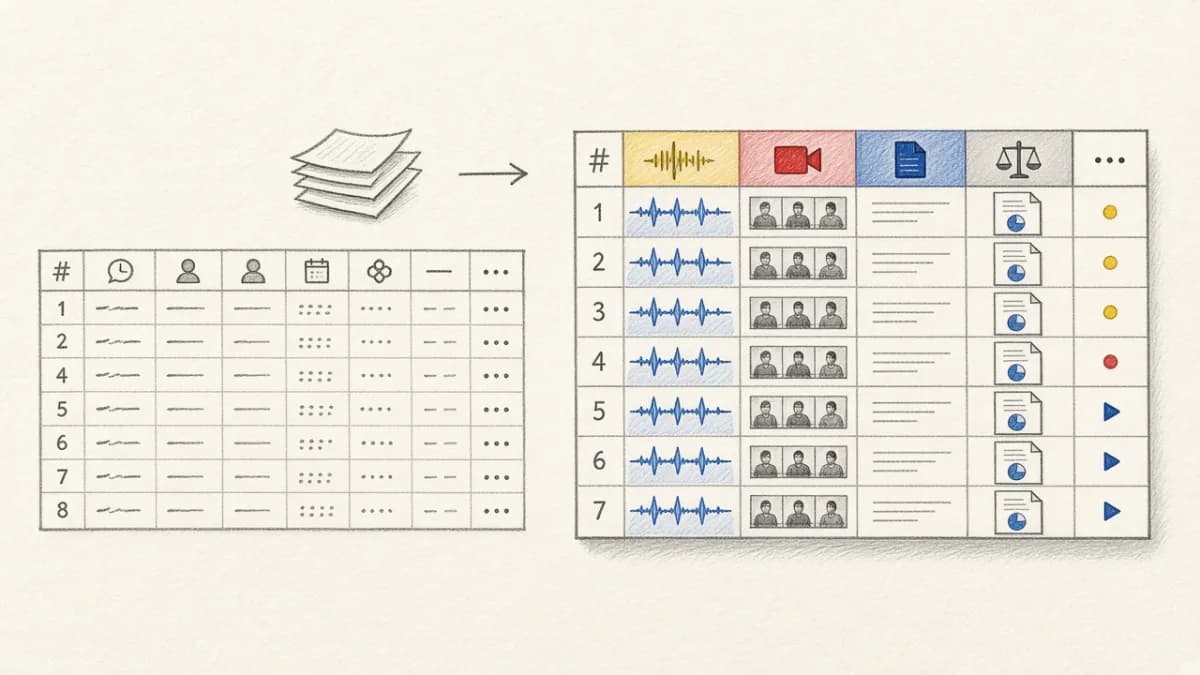
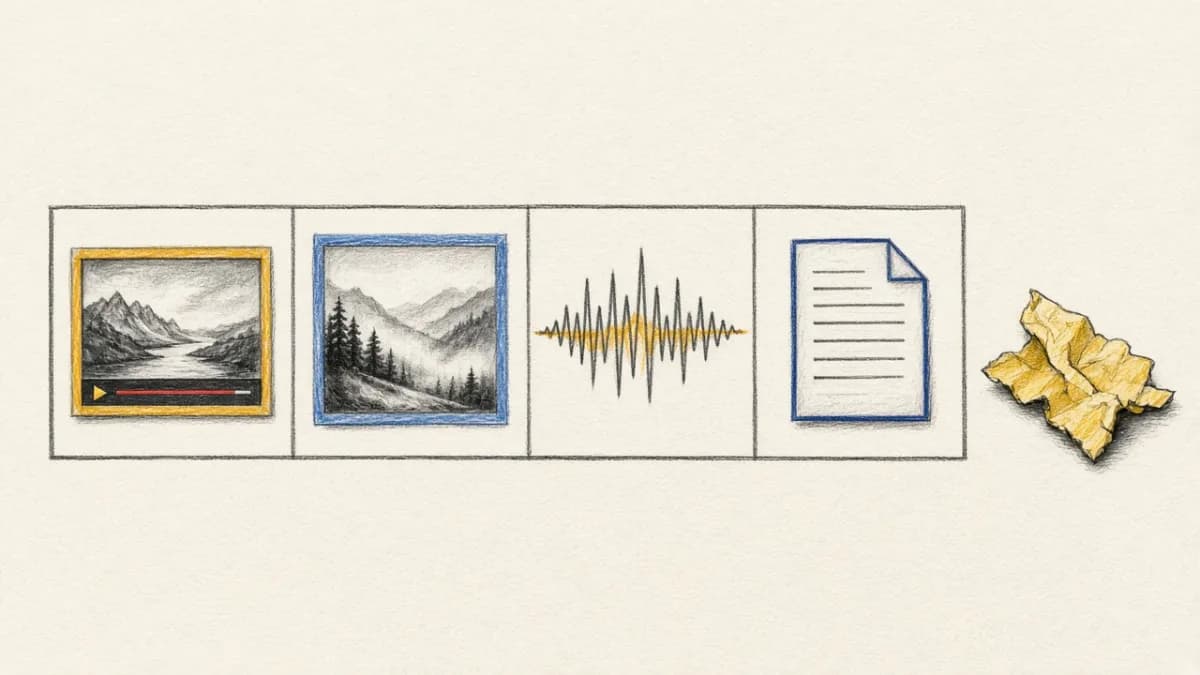
Why would you want a model living in your table's schema?
Because the moment a model is a column, the work around it stops being yours. Point a column at SAM 3, an LLM, or an embedding model, and Pixeltable runs it as rows arrive: calls made concurrently, inside each provider's rate limits, failures retried, every output stored and versioned beside the input that produced it. The queue, the retry logic, the embedding index that stays current on its own as rows change all come with the column.
That's what Pixeltable is built to do: make multimodal AI simple. That means three things:
- You build your app, not the backend under it.
- Your models run reliably in production, at scale.
- You can see and trust what they produce.
Last month we added two models and a provider, each callable as a column: SAM 3 for promptable segmentation, Nano Banana for image generation, and Nebius Token Factory for OpenAI-compatible chat and embeddings.
July merged 34 PRs across two releases, v0.6.7 and v0.6.8. The highlights are below. The full changelog and the compare view have everything.
Upgrade with:
How models work in Pixeltable#
Computed columns are core to how Pixeltable works, and they can run anything: a hosted model provider, a local runtime, or your own UDF. One question you might have is: "what's the difference between using a Pixeltable integration versus calling a provider's API on my own?" The answer is we do a lot under the covers that you don't have to worry about anymore:
| You focus on | You write | We handle |
|---|---|---|
| Your app and your data Images, video, audio, and documents | A computed column One line of Python |
|
With Pixeltable, you define the model as a column:
You can add as many computed columns as you want, which Pixeltable users do to orchestrate model outputs across columns and compare them side-by-side. Every output comes with a full audit trail, so you can inspect an entire stepwise pipeline from the table API in Python or the Pixeltable CLI.
SAM 3: segment an image by describing it#
Segmentation models usually want a box or a click. SAM 3 takes a word. It's an open model, with weights on Hugging Face, so running it yourself means loading it with transformers, calling inference, and reshaping the per-instance masks it returns. sam3_for_segmentation is that integration: point it at an image column with a prompt like 'orange', and the model loads and runs behind the column, giving back a mask for every instance it finds.
The masks land in the same row as the image and the prompt that produced them, so a labeling or review pass is one query over your table instead of a folder of intermediate files.
Sources: Hugging Face SDK docs · Video walkthrough · #1336
Nano Banana: generate images in your table#
Nano Banana is a hosted model, running behind Google's API. Here the integration is the shape of the request and the response. It's a Gemini content model, so you get an image from pxtf.gemini.generate_content with response_modalities=['IMAGE']:
The response column holds the model's whole reply as JSON, stored on the row. Nothing gets dropped on the way to the output you asked for, so you pull the image out with a path expression into its own column:
Because the entire response is in the table, you can reach for anything else it returned: the token counts, the finish reason, the safety ratings, each as its own column computed from the response you already have. The model call ran once. Understanding what it produced is a few more columns.
Sources: Working with Gemini · Gemini SDK docs · Video walkthrough · #1423
Nebius Token Factory: an OpenAI-compatible provider#
If you already call OpenAI from Pixeltable, you already know how to call Nebius. Nebius Token Factory joins as an OpenAI-compatible provider, so pxtf.nebius.chat_completions and pxtf.nebius.embeddings take the shapes you'd expect.
Point an embedding index at a Nebius embedding column and it updates as rows arrive, so search over new data stays current without a manual re-index.
Sources: Nebius SDK docs · #1448
An agent-friendly column API#
Agents write a lot of Pixeltable expressions, and an expression that resolves two ways is the kind of bug that ships quietly. v0.6.8 tightened the query API so those calls fail loudly instead:
- The ambiguous
ColumnRefconvenience methods are gone, so an expression resolves one way or raises. - New expression guards and built-ins mean a query that can't run says so at definition time, not three rows into an insert.
- Provider functions return typed (
TypedDict) schemas, so whatever consumes the output knows its shape up front.
Sources: #1453
Also in July#
A handful of changes you'll feel the next time you rerun a workflow:
- Plain
enum.Enummembers work directly in inserts and computed columns now, where before onlyIntEnumdid. Pixeltable stores the underlying value. - Video UDFs like scene detection and segmentation return typed JSON, so the columns downstream know the shape.
- Your first insert into a table no longer stalls to import the Hugging Face
datasetslibrary unless something already loaded it. - Inserts and reads from several threads or processes no longer corrupt the file cache.
- An unnamed
add_embedding_index()call matches on the index definition rather than the generated name, so you stop creating duplicate indexes by accident. pgvectoris pinned below 0.5.0, so a fresh install skips the incompatible release.
Sources: #1438 · #1435 · #1445 · #1439 · #1429 · #1470
Breaking changes#
Two removals to handle when you upgrade:
- Label Studio integration removed. The external-store abstraction and the Label Studio sync are gone. If you synced to Label Studio, move that workflow off first.
ColumnRefshortcuts removed. The ambiguousColumnRefconvenience methods from the agent-friendly API cleanup are gone. Update any expression that relied on them.
Come find us#
If you build something with Pixeltable, we want to see it. Come show us on Discord. File issues, send PRs, or star the repo on GitHub. If you're new this month, start in the docs.
Thank you to everyone who wrote code, reviewed it, tested it, documented it, and got v0.6.7 and v0.6.8 out the door.
— Team Pixeltable